SAP Order Automation
8 minutes
Nov 28, 2025

The Gap Between Customers and SAP
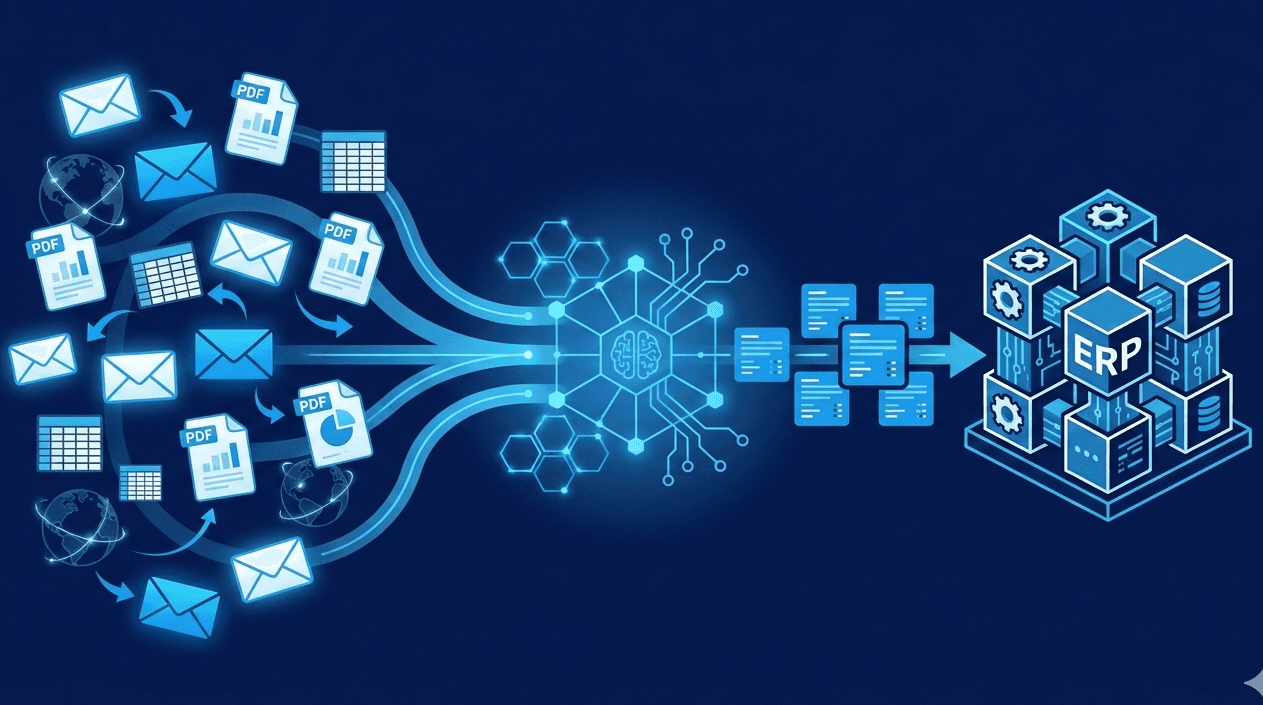
SAP order automation connects external order intake systems to your ERP, enabling customer orders from any format to flow into S/4HANA, ECC, or Business One without manual data entry. Instead of your team copying data from emails and PDFs into VA01 all day, automation handles extraction, order validation, and delivery of clean sales order data ready for SAP processing.
SAP handles production, inventory, logistics, and financials brilliantly. The problem isn't SAP. The problem is everything that happens before the order hits SAP.
Your customers send PDFs with their part numbers, Excel attachments in whatever format made sense to them, and emails that say "same as last time, 10% more, rush please." Someone has to translate that chaos into a valid sales order with the correct sold-to party, materials, pricing conditions, and sales organization.
That someone is your order entry team, switching between Outlook and SAP GUI constantly. Looking up customer master data in XD03. Checking availability in MD04. Dealing with pricing agreements someone built in VK11 years ago that nobody fully understands anymore.
If you've watched an experienced order entry person work, you know they perform dozens of micro-validations per order. Does this customer exist? Is this material active? Does this price match the contract? Is this quantity reasonable? They're not just typing. They're translating and validating at scale.
A manufacturer processing 100 orders daily often finds their team spends 15 to 25 hours per week on manual entry. When your most experienced SAP user retires, suddenly everyone realizes how much knowledge lived only in their head. When a big customer complaint reveals a pattern of pricing errors, you trace it back to manual entry mistakes that automation would have caught.
Platforms like Crew Capable sit between your customers and SAP, handling that translation so your team doesn't have to.
If you're evaluating whether order automation makes sense for your operation, our complete guide to order entry automation covers the decision framework from manual entry costs to implementation approaches.
Which SAP Are You Running?
"SAP" is not one product. It's a family of products with vastly different integration approaches. Based on typical SAP implementations, the version you're running determines your path forward.
S/4HANA Cloud
Modern OData APIs, well-documented, but less customization freedom than on-premise. The API_SALES_ORDER_SRV service handles sales order creation with OAuth 2.0 or Basic Auth. Integration is relatively straightforward if you stick to standard fields.
S/4HANA On-Premise
Same OData APIs as cloud, but more customization options and more complications. You control the system, which means you also control the accumulated complexity. Custom fields, custom pricing procedures, and modifications from years of use all affect integration.
ECC 6.0 and Earlier
IDoc and BAPI territory. ORDERS05 message type handles inbound sales orders through configured partner profiles. BAPI_SALESORDER_CREATEFROMDAT2 allows programmatic creation. These systems often have 10 to 20 years of customizations that become the real integration challenge.
Business One
Completely different product targeting smaller companies. Service Layer for HANA versions or DI API for SQL Server. Different documentation, different community, different skillsets entirely.
The integration approach depends on which SAP you run. What we see across SAP environments: starting with file-based import works for any version, giving you immediate value while sorting out the API path.
How Does Order Automation Connect?
Three primary integration paths exist. The right choice depends on which SAP product you run, your IT capacity, and how quickly you need results.
Approach | Timeline | IT Required | Best For |
|---|---|---|---|
File Upload/Import | 1-5 days | Minimal | Immediate start, proving value |
OData/REST API (S/4HANA) | 4-12 weeks | SAP Basis or developer | Full automation |
IDoc/BAPI (ECC) | 8-16 weeks | ABAP developer | Legacy system automation |
Middleware (Boomi, MuleSoft) | 4-10 weeks | Some | Complex multi-system environments |
File Upload: Start Here
S/4HANA (2021 and later) includes the "Import Sales Orders" Fiori app (App ID F4293). Download the Excel template, populate with order data, upload. For ECC, transaction LSMW or custom ABAP programs process flat files.
Zero IT involvement to get started. Based on typical implementations, most companies stay here permanently because the API project keeps getting pushed. For 50 to 200 orders daily, file upload eliminates the manual entry burden. The value is in extraction and validation, not the delivery mechanism.
OData API: The S/4HANA Path
S/4HANA exposes the API_SALES_ORDER_SRV OData service. Creating a sales order requires fetching a CSRF token first, then posting header and line item data.
Realistic timeline: 4 to 12 weeks. Vendors quote faster, but custom fields need mapping and rate limits exist on cloud editions. Every SAP installation has accumulated customizations that affect integration scope.
IDoc/BAPI: The ECC Path
ECC systems rely on older integration methods. IDocs like ORDERS05 handle inbound sales orders through partner profiles. BAPIs allow programmatic creation but require ABAP expertise.
Realistic timeline: 8 to 16 weeks. These integrations work but need specialized skills that are increasingly hard to find.
For a deeper look at integration approaches across different ERPs, see how order automation ERP integration works.
What Should Automation Handle Before Data Reaches SAP?
The value isn't just speed. It's clean, validated, ready-to-process data. According to APQC research, order entry errors cost $5 to $25 per order to correct after the fact. Catching problems before they hit SAP is dramatically cheaper than fixing invoice discrepancies after shipment.
Format Flexibility
PDFs, Excel spreadsheets, email body text, portal exports, scanned documents. Crew Capable handles all customer formats through one system. No more asking your biggest customer to change their purchase order format because it doesn't match your template.
EDI only automates customers who send EDI. For most manufacturers, that's a fraction of total orders. Here's how AI-powered automation handles the rest, including the emails and PDFs that still dominate order volume.
Customer Matching
Translate "Acme Corp Chicago" into the correct SAP sold-to party with proper partner number, sales org, and payment terms. Customer names vary: "Acme Corporation," "ACME Corp.," "Acme Corp Chicago Division." Crew Capable's AI learns these patterns from historical orders rather than requiring manual cross-reference maintenance in VD51.
Material Validation
Convert customer part number "BWS-100" to your SAP material number. Verify the material is active for the relevant sales org and plant. Check that it's not blocked for sales. Unlike template-based OCR that breaks when customers change their PO format, AI-powered extraction adapts automatically.
Pricing Verification
Validate against SAP condition records before order creation. SAP pricing is powerful and complicated: condition types, pricing procedures, contract pricing, customer-specific agreements. Crew Capable catches margin problems before orders create rather than discovering issues during invoicing.
Unit of Measure Conversion
Customer orders 10 cases. You sell by each at 24 per case. Customer orders 500 pounds. You stock in kilograms. Crew Capable handles conversions based on material master UoM settings before data reaches SAP.
Getting Started with SAP Order Automation
Why Companies Choose Crew Capable for SAP
Start in days, not months. File import works immediately with no API configuration or ABAP development.
Works across SAP versions. Same platform handles S/4HANA, ECC, and Business One through different output formats.
2 minutes per order vs 8-15 minutes manual. Your team reviews exceptions instead of typing into VA01.
No risk of a failed integration project. You're validating with real orders from day one. If it doesn't work for your setup, you'll know in week one.
Your customers change nothing. They keep sending orders however they send them now.
The Fastest Path to Value
Day 1: Forward customer order emails to Crew Capable. Upload your SAP material master and customer list.
Day 2-3: Review the first batch of extracted orders. See how customer names map to sold-to parties, how customer part numbers translate to your material numbers, and where exceptions get flagged.
Week 1: Start importing validated orders via F4293 (S/4HANA) or LSMW (ECC). Your team reviews exceptions instead of typing every line item. You're already saving hours.
Week 2 and beyond: Accuracy improves as the AI learns your specific customer patterns, material variations, and pricing structures.
When ready: Add API integration for full automation. Or don't. Many companies process hundreds of orders daily through file import because it works and requires no ABAP maintenance.
According to Aberdeen Group research, companies with automated order processing report 12% higher perfect order rates than those relying on manual entry. The difference comes from consistent validation catching errors before they cascade through fulfillment.
Not sure what to look for when evaluating order automation platforms? Our comparison guide covers the questions to ask.
Frequently Asked Questions

Crew Capable processes orders from any format and delivers SAP-ready data for S/4HANA, ECC, or Business One. File import works on day one. API integration comes when you're ready.
See exactly what Crew Capable does with an SAP order. We'll walk you through a real example in 15 minutes - your order or ours.