How Do I Automate Email Order Processing?
6 minutes
Oct 3, 2025
Introduction
Your inbox has 47 new messages. Somewhere in there are probably 30 purchase orders. Probably.
Some are PDFs attached to emails that just say "PO attached." Some are Excel files with your customer's part numbers that don't match anything in your system. One is literally a photo of a handwritten order someone took on their phone. And your biggest customer? They still type orders directly into the email body because "that's how we've always done it."
Your order entry team opens Outlook in one window, Epicor in another, and starts the copy-paste marathon. Eight minutes per order on a good day. Twelve when the format is weird. Twenty when customer part numbers need translation.
Here's the thing: email isn't going away. Your customers aren't being difficult. They're being customers. The question isn't how to eliminate email orders. It's how to stop manually entering them.
Why Do Orders Still Use Email?
If you've sat through a pitch about EDI being "the future of order automation," you might be wondering why your team is still drowning in email attachments. The answer is simple: EDI works great for your top 10 customers. Everyone else sends email.
The numbers tell the story. Large retailers like Walmart, Home Depot, and Amazon mandate EDI because they process millions of transactions. For them, the investment makes sense. But that HVAC contractor placing a $15,000 equipment order? He's sending a photo of his takeoff sheet. Your distributor customer with 47 locations? They email Excel files from QuickBooks. The machine shop that's been buying from you for 30 years? They're not changing their process for anyone.
This creates what operations managers call the 80/20 problem. Twenty percent of your customers - the ones on EDI - get all the automation. The other eighty percent? Your team enters those orders manually while the automated ones flow through untouched.
And let's be honest about why customers won't change. Asking a customer to implement EDI means asking them to spend $5,000-25,000 on setup, modify their ERP configuration, and change workflows that work perfectly fine for them. All so you don't have to type. That conversation doesn't go well.
The manufacturer or distributor absorbs the complexity. That's always been the deal. The question is whether you absorb it with labor or with automation.
What Does Manual Entry Cost?
Most finance teams calculate order entry cost by dividing labor expense by order volume. They get a number like $4-5 per order and call it a day. That number is wrong by a factor of three.
Start with direct labor. A distributor processing 200 orders daily with an average entry time of 10 minutes burns roughly 33 hours of labor per day just on data entry. At $25 per hour fully loaded, that's over $200,000 annually. And that's assuming perfect efficiency with no interruptions, no clarification calls, no searching for missing information.
Now add error correction. Industry data suggests 2-4% of manually entered orders contain errors. For a manufacturer processing 500 orders daily, that's 10-20 orders per day with problems. Wrong SKU shipped means return freight plus reshipping plus a very irritated customer. Pricing errors on blanket POs mean margin erosion across hundreds of releases before anyone notices. Quantity errors on made-to-order production mean either waste or shortages - pick your pain.
Then there's the costs that don't appear on any spreadsheet. Your best customer service rep spends six hours a day entering orders. That's six hours she's not upselling, solving problems, or building relationships. You didn't hire her for data entry. You hired her because she's great with customers. Now she's a very expensive copy-paste machine.
The scaling ceiling might be the biggest hidden cost. When order volume grows 20%, you need 20% more order entry capacity. That means hiring, training, and managing more people doing work that adds no strategic value. Your competitors who've automated? They just process more orders with the same team.
Why Doesn't OCR Work?
OCR - optical character recognition - has been around since the 1990s. If you've evaluated order automation before, someone probably showed you an OCR solution that looked promising in the demo. Then you tried it with real orders.
OCR reads text. It doesn't understand orders. There's a fundamental difference.
When your packaging customer sends a PO, OCR can extract the characters on the page. It can tell you there's a "1" followed by a "0" followed by a "0" in a particular location. What it can't do is understand that "100" means quantity, not price, not part number, not some internal reference code. That understanding requires templates - rigid rules that tell the system where to find each piece of data on each customer's specific format.
This creates the template maintenance nightmare that OCR vendors don't mention in demos. Every new customer format needs a new template. Every time a customer changes their PO layout - which happens when they update their ERP, change accounting software, or just decide to reorganize - your templates break. Completely.
One packaging manufacturer told me they had 340 templates just to handle their top 100 customers. Why more templates than customers? Because customers change formats, and you can't delete the old templates until you're sure no historical orders use them. Someone was spending 20 hours per week just maintaining templates.
The "85% accurate" problem compounds everything. OCR vendors quote high accuracy rates, but even 85% accuracy means 15% of orders need manual review. At 200 orders per day, that's 30 orders requiring human intervention - plus all the time spent checking the other 170 to make sure the OCR actually got them right. That's not automation. That's just shifting work from "entering orders" to "checking OCR output."
How Does AI-Based Email Order Automation Work?
AI-based order automation approaches the problem differently. Instead of rigid templates that tell the system where data should be, AI learns what orders look like from your actual order history.
The distinction matters. Template-based systems break when formats change because they're following rules that no longer apply. AI-based systems treat format changes as minor variations because they understand the underlying structure of an order - not just where specific fields happen to appear on a particular customer's PDF.
Here's what actually happens when an email order arrives at a system like Crew Capable:
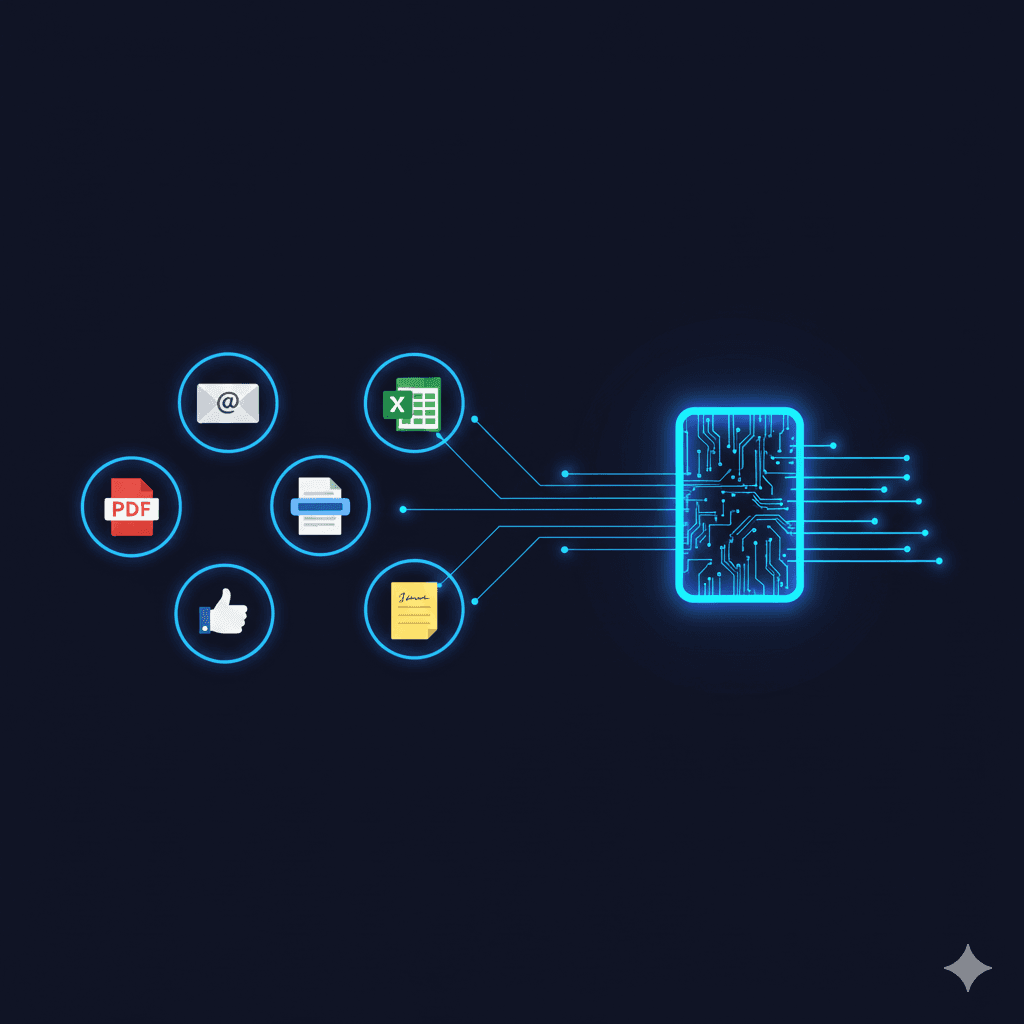
The email comes in - PDF attachment, Excel file, text typed directly into the email body, even a photo of a handwritten order. The format doesn't matter because the system isn't looking for data in specific locations. It's reading the order the way a human would, understanding context and relationships between pieces of information.
The AI extracts order data: PO number, line items, quantities, ship-to address, requested dates. But extraction is just the first step. The system then translates customer part numbers to your SKUs. When ABC Manufacturing orders "blue widget standard," the AI knows that's SKU WDG-100-BLU in your system because that's how you've fulfilled those orders historically.
Validation happens before anything touches your ERP. The system checks pricing against customer-specific price lists, quantities against minimum order requirements and standard pack sizes, unit of measure conversions. When a distributor's customer orders 50 eaches but your system sells by the case of 48, that discrepancy gets flagged before it becomes a problem.
Exceptions - the orders that need human judgment - queue for review. But here's the key difference: your team reviews exceptions, not every order. High-confidence orders flow through automatically. The 10-15% that genuinely need human eyes get human eyes. The rest just process.
Email orders aren't going away. Your customers have been sending POs via email since before EDI existed, and they'll keep doing it regardless of what technology you implement. The question was never how to eliminate email orders. It was always how to stop manually entering them.
The answer isn't forcing customers onto EDI they can't afford. It isn't building template libraries that break whenever formats change. It's AI that understands what an order actually is, regardless of how it arrives.
Your team has better things to do than copy-paste. Your customers deserve faster confirmation. Your business needs capacity to grow without proportionally growing headcount.
Frequently Asked Questions

Still copying purchase orders from Outlook into your ERP? Crew Capable processes email orders from any format - PDFs, Excel files, email body text, even handwritten scans - and delivers validated data ready for your system. No customer changes required, no templates to maintain. See how it handles your specific order mix.